One folder. Every device.
A development server in the cloud, open on your iPad, your Mac and any browser. The files never move.

The files never move. There is nothing to push, pull or sync. Save on your iPad and it's already on the server, ready for your Mac, a browser or an agent running in the terminal.
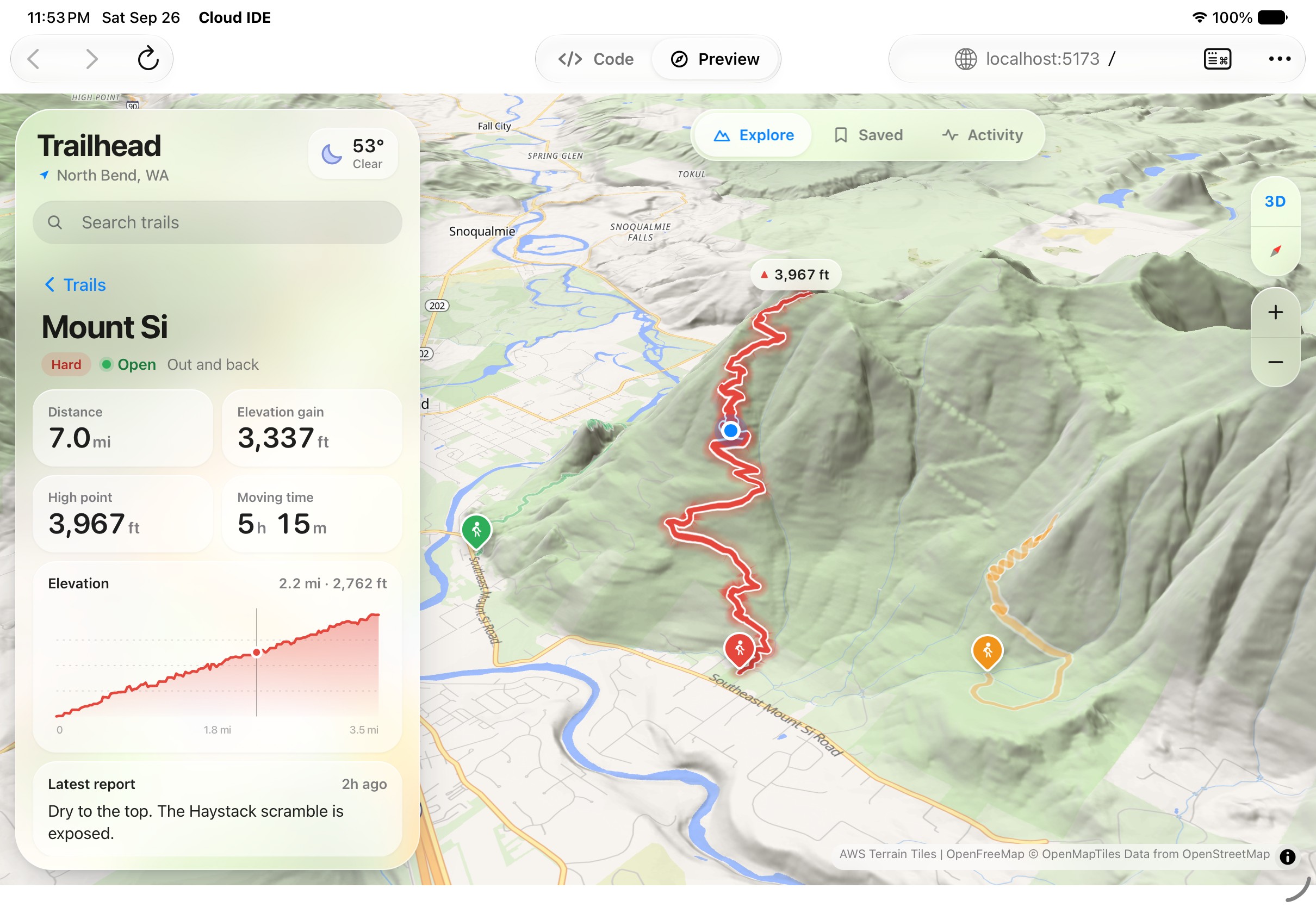
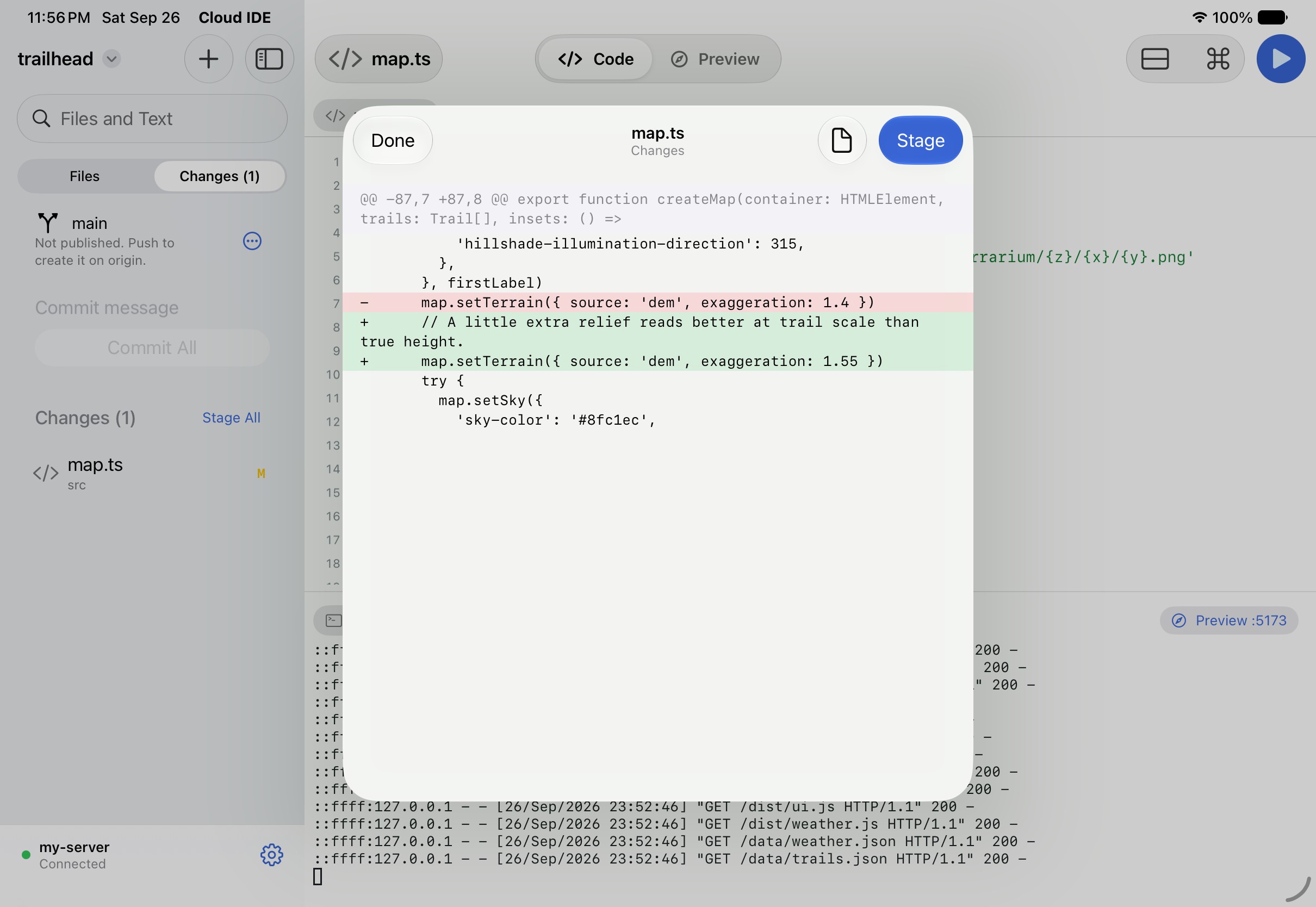
One tap each
Only the tools you pick. Claude Code, Codex, Gemini CLI, Copilot, Cursor, Aider, Bun, Deno, Python, Go, Rust, and the CLIs for Vercel, Fly.io, Supabase and Neon.
Check a box and it installs on your server's disk. It's there the next time you open it. AI tools sign in with your own account.
Works with
- Claude Code
- Codex
- Gemini CLI
- GitHub Copilot
- Cursor
- Qwen Code

- TypeScript
 Python™
- Rust
- Vercel
- Netlify
- Cloudflare
- Fly.io
- Supabase
- Firebase
- Neon
Already have a machine? Run the server on your own Mac or Linux box and pair the app with a one-time code.
$ npm run service -- install
Coming to iPad first.
Serin Cloud IDE is in development. The Mac app follows.
We'll only use your email to tell you when Serin opens.